
A Practical Guide to Creating a More Accessible Website
Digital accessibility for businesses means creating websites and digital experiences that people with disabilities can access, understand, navigate, and use.
Accessibility is sometimes treated as a technical checklist. In practice, it is much broader. It affects how people read your content, navigate your website, complete forms, understand images, interact with buttons, and access the information they need.
For small and mid-sized businesses, improving digital accessibility can also improve the overall user experience by making websites clearer, easier to navigate, and easier to understand.
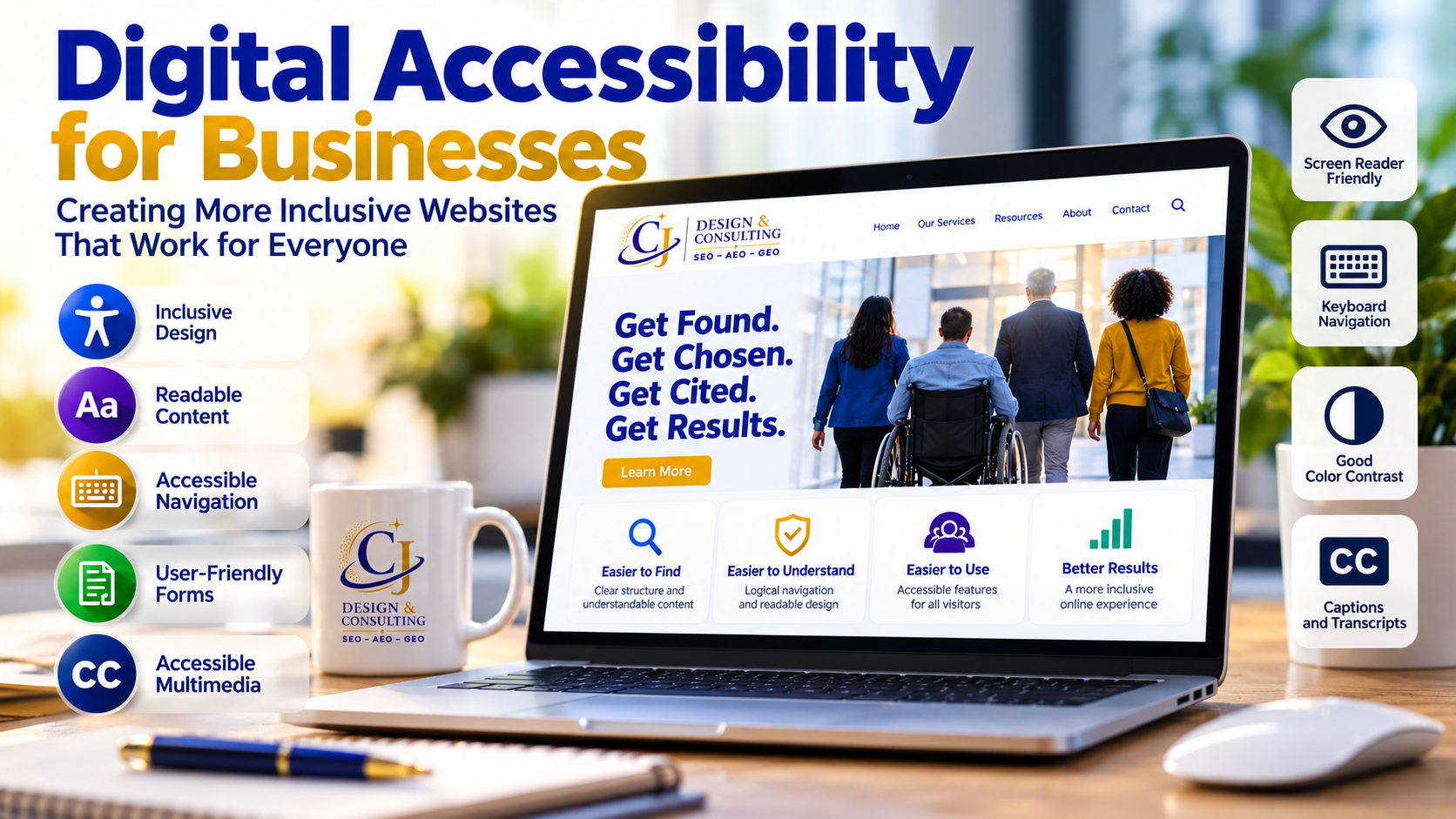
What Is Digital Accessibility?
Digital accessibility is the practice of designing and developing websites, documents, applications, and other digital content so people with different abilities can use them effectively.
People may interact with your website differently because of visual, hearing, mobility, cognitive, neurological, or other disabilities.
Some visitors may use assistive technologies such as:
- Screen readers
- Keyboard navigation
- Voice recognition software
- Screen magnification
- Alternative input devices
An accessible website considers these different ways of interacting with digital content.
Why Digital Accessibility Matters for Businesses
Your website may be the first interaction someone has with your business.
If a visitor cannot navigate your website, understand its content, complete a form, or interact with important features, that creates a barrier between that person and your business.
Improving accessibility can help businesses:
- Create a more inclusive online experience
- Improve website usability
- Make information easier to understand
- Improve navigation and content structure
- Reduce barriers in forms and conversion paths
- Reach a broader audience
- Strengthen overall website quality
What Makes a Website More Accessible?
Website accessibility involves many elements working together.
Clear Heading Structure
Headings should organize information logically.
A clear heading hierarchy helps visitors understand the structure of a page and can make it easier for people using assistive technologies to navigate between sections.
Alternative Text for Images
Meaningful images should have appropriate alternative text when that text is necessary to understand the image’s purpose or content.
Alternative text helps people using screen readers understand information that would otherwise only be communicated visually.
Not every image requires descriptive alternative text. Decorative images should be handled appropriately so they do not create unnecessary noise for assistive technology users.
Keyboard Accessibility
Visitors should be able to navigate and interact with important website functions without relying exclusively on a mouse.
This can include navigation menus, links, buttons, forms, and other interactive elements.
Readable Text and Color Contrast
Text needs sufficient contrast against its background.
Font size, spacing, line length, and overall readability also affect how easily visitors can consume information.
Descriptive Links and Buttons
Links and buttons should clearly communicate what will happen when someone selects them.
Descriptive wording is generally more useful than vague phrases when the surrounding context does not make the destination clear.
Accessible Forms
Forms are often essential conversion points.
Form fields should have understandable labels, instructions should be clear, and error messages should help users identify and correct problems.
Accessible Multimedia
Video and audio content may require accessibility features such as captions, transcripts, or other alternatives depending on the content and how it is being used.
What Are the Web Content Accessibility Guidelines?
The Web Content Accessibility Guidelines (WCAG) provide internationally recognized guidance for improving the accessibility of web content.
WCAG organizes accessibility around four principles. Digital content should be:
- Perceivable: Users need to be able to perceive the information being presented.
- Operable: Users need to be able to navigate and interact with the interface.
- Understandable: Content and functionality should be understandable.
- Robust: Content should work reliably with different technologies, including assistive technologies.
These principles provide a useful framework for evaluating and improving digital experiences.
For additional guidance, explore the Web Content Accessibility Guidelines (WCAG) overview published by the World Wide Web Consortium (W3C). This resource explains the internationally recognized standards for making websites more accessible.
Is Accessibility Only About Compliance?
No.
Legal and compliance considerations can be important, but accessibility also affects usability and customer experience.
Many accessibility improvements benefit a much wider audience.
For example, captions can help someone watching a video without sound. Clear navigation helps virtually everyone find information faster. Good color contrast can make content easier to read in different environments. Clear form labels can reduce confusion and errors.
That is why accessibility works best when it becomes part of the overall website strategy rather than simply a compliance exercise.
How Accessibility Supports SEO and Digital Visibility
Accessibility and SEO are different disciplines, but several good practices can support both.
Clear page structure, descriptive headings, understandable content, meaningful link text, appropriate image information, and organized navigation can make a website easier for people and technology to understand.
However, accessibility should not be implemented simply as an SEO tactic.
Its primary purpose is to make digital experiences more inclusive and usable.
What Is a Digital Accessibility Review?
A digital accessibility review examines areas of a website that may create barriers for visitors.
Depending on the website, a review may examine:
- Page structure and headings
- Navigation
- Keyboard interaction
- Images and alternative text
- Forms
- Links and buttons
- Color contrast
- Content readability
- Multimedia
- Other interactive components
Automated accessibility tools can help identify certain issues, but they cannot identify every accessibility problem.
Human evaluation remains an important part of understanding how effectively people can actually use a website.
Is an Accessibility Plugin Enough?
An accessibility plugin or overlay should not be treated as a substitute for addressing accessibility issues within the website itself.
Tools may provide useful features or identify certain problems, but accessibility depends on the underlying content, design, structure, and functionality of the website.
A stronger approach is to identify barriers and improve the website itself wherever practical.
How Often Should a Website Be Reviewed for Accessibility?
Accessibility is not necessarily a one-time project.
Websites change.
New pages are published. Images are added. Forms change. Plugins and themes are updated. New content, videos, downloads, and functionality may be introduced.
Accessibility should therefore be considered during ongoing website maintenance and whenever significant changes are made.
Where Should a Business Start?
You do not have to address every aspect of digital accessibility at once.
A practical starting point is to review the areas visitors use most frequently, particularly:
- Homepage
- Navigation
- Service pages
- Contact page
- Forms
- Calls to action
- Frequently visited content
Identify the barriers that have the greatest effect on someone’s ability to find information, navigate the site, or complete an important action.
Then work systematically through those issues.
Building a More Inclusive Digital Experience
Digital accessibility is ultimately about people. Digital accessibility for businesses should be an ongoing priority that supports better website experiences for every visitor.
Businesses invest considerable time and resources into attracting visitors to their websites. Those visitors should have a reasonable opportunity to access the information, services, and functionality the website provides.
Building accessibility into your website strategy can help create a digital experience that is clearer, more usable, and more inclusive.
CJ Design & Consulting incorporates accessibility into website strategy and digital marketing because visibility alone is not enough. People also need to be able to use the experience you create.
Learn more about our Digital Accessibility services.